Guest Chef Guide
Everything you need before you cook with us. Five minutes to read.
Questions or a Friday that works for you: klukoff@scu.edu
What AI Kitchen is
AI Kitchen is Santa Clara University's open-access program for building AI fluency. Students from across the university (computer science, English, psychology, business, art, and more) meet on Friday afternoons to watch someone use AI for real work, then try it themselves. Sessions are free, need no application, and are open to the public.
Expect 40 to 50 people and a wide range of experience. Most have used ChatGPT, Claude, or Gemini in the browser, where it behaves like a chatbot: no tools, no access to their files, no harness around it. Design the hands-on step for that level. A fair number are well past it, running desktop apps and coding agents, so the demo can go as deep as you like. They are curious, and they ask good questions about privacy ("do I want to give this thing my inbox?").
A student leadership team runs the room with Prof. Kai Lukoff. During the hands-on part, student leads circulate and get people unstuck. They know the tools well, so lean on them: you can set an exercise that needs some setup and trust that the room will get there.
Our guests so far have skewed toward engineers and product leaders. We would love more range: marketing, content and video, sales, recruiting, finance and ops, legal, user research, teaching, art, and AI in personal life, for learning, hobbies, planning, or parenting. If you use AI to do something beyond building software, you are who we are looking for.
The format: show, not tell
The format is a live workflow, not a talk. About 45 minutes with your screen up, showing how you use AI in your own work, then everyone tries the same thing themselves while you circulate, then open project time if you can stay. Nothing needs to be polished. We want to see the messy version of working with AI in a useful way, while avoiding the slop.
A typical Friday:
- 1:00The student team runs an icebreaker and gets everyone's laptop set up (15 to 20 minutes). Good time to plug in and test your screen.
- 1:20Your live demo, screen up (45 to 60 minutes). Work through a real problem the way you would at your desk, and narrate the choices as you go.
- 2:10Hands-on (30 minutes). Everyone repeats one step from your demo on their own laptop. You and the student team circulate.
- 2:40Discussion (20 minutes). What worked, what broke, what they would try on Monday.
- 3:00Your part ends. Most Fridays the room stays open until 4:00 for open experimentation and questions; stay if you can.
What makes a good session
- A real problem from your own work or life. Specific enough to be relatable, general enough to teach one reusable pattern. One guest built a movie recommender for himself and his wife; the pattern everyone took home was asking the model what it needs to know and which data to hand it.
- The wrong turns included. Where the AI got it wrong, how you noticed, and what you did next. That is the part nobody gets from a tutorial.
- One pattern, named once. Say it out loud or put it on a single slide so people can repeat it without you.
- Two layers. Show the ambitious version with whatever tools you use. Then make the hands-on step doable in a browser chatbot (claude.ai, ChatGPT, Gemini) or a tool we can provision. Advanced tools are welcome in the demo; they should not be required for the exercise.
- "My employer won't let me show our systems." Most won't, and internal approval is rarely worth chasing. Show the same process on public tools and public data, or on a sales demo environment. Zach Schendel, then head of research at DoorDash and now head of research at Google DeepMind, used a public Yelp dataset to show how his team turns large-scale qualitative data into insights, a dashboard, and a presentation to an executive. Session and recording.
- No product pitches. Guests show their own work. If you work at an AI company, show how you use tools in your own job, not the product you sell.
- Plan for the privacy question. Someone will ask about giving an AI access to email, files, or data. A few minutes on what you connect, what you do not, and why goes a long way.
Watch a past session
Three recordings that show the range, each with a recap page (slides, exercises, and the recording).
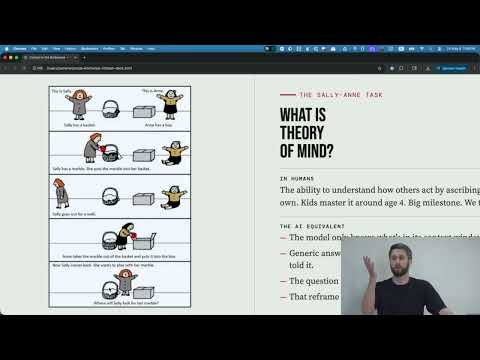 Ralph Loops for Movie Recommendations
Recap and recording →
Ralph Loops for Movie Recommendations
Recap and recording →
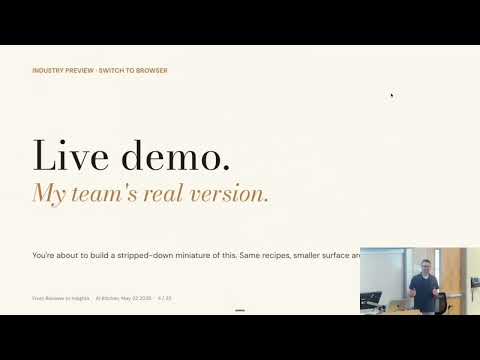 From Reviews to Insights
Recap and recording →
From Reviews to Insights
Recap and recording →
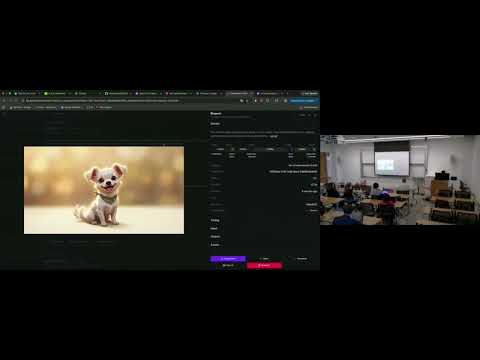 Build a Game in an Afternoon
Recap and recording →
Build a Game in an Afternoon
Recap and recording →
More on the AI Kitchen YouTube channel and the schedule page. Note that these spring sessions ran 1:30 to 5:00 with the tutorial at 2:30; the fall format above is shorter.
What we need from you, and when
-
Two weeks before
Two things by email:
- Your listing: a session title, a two or three sentence description, a photo, and one link (LinkedIn or your site). These go on the schedule page and in the announcement to our list.
- The tool: which tool attendees should install or sign up for. SCU provides Gemini; we can provision most other tools for the room, and the student team uses the first 15 minutes to get everyone set up.
-
One week before
A 30-minute prep call with the student team (Kai joins when he can). They know what works for students at each level, so this is where you pick the hands-on step, set the difficulty, and agree on a backup if the live demo misbehaves.
-
On the day
Arrive by 12:45 with your laptop and any adapter you need (the room has HDMI). Guest Wi-Fi is available. We send directions and parking details the week before.
-
Afterward
With your OK, we post the recording and your slides or links on a recap page like the ones above.
Where and when
Fridays at 1:00 p.m. during the academic year, in the California Mission Room, basement of the Benson Memorial Center, Santa Clara University. Open dates are marked "Speaker to be announced" on the schedule. Directions to Benson 036 and parking details.
Is there a Friday that works for you? Email klukoff@scu.edu or book a 30-minute call. And if you would rather see one first, drop in on any Friday.